How to Read an eSIM Review: Signal, Latency, Speed and Real-World Evidence
A star rating is only the beginning. Learn how to use location, network, signal, latency, speed and capture duration to judge whether an eSIM report is relevant to your trip.
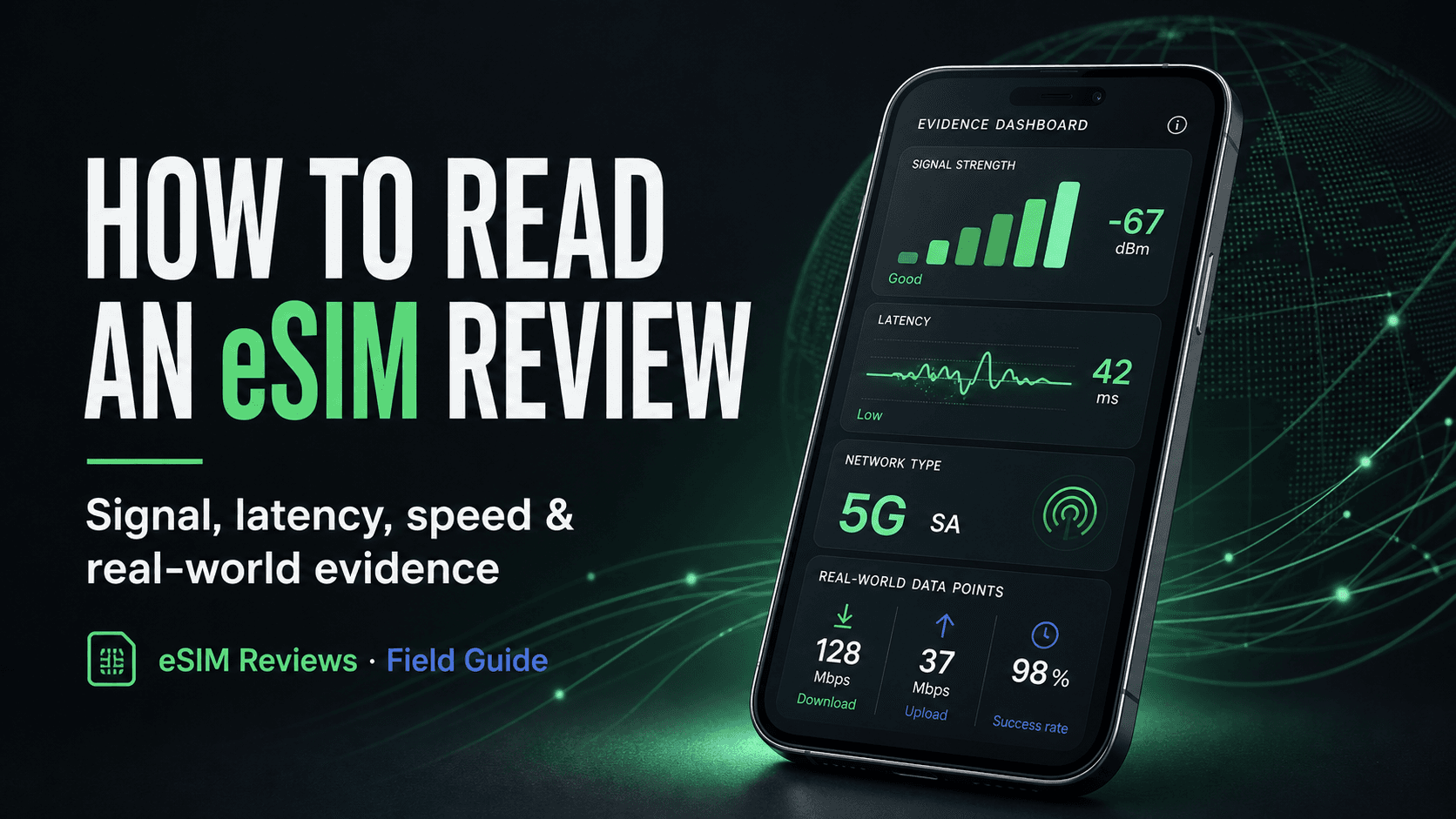
An eSIM can be simple to install and still perform poorly where you need it. Another can have an average star rating but deliver the stable connection your trip requires. The useful question is not merely “Was it good?” It is “What happened, where, on which network, and how often was it observed?”
Start with context, not the star rating
Travel eSIM providers often connect through local mobile networks. That means the brand you bought from and the network your phone used are related, but they are not always the same name. Performance can also change by city, building, time of day, device and radio band.
Before comparing ratings, check the destination, coarse area, provider, product and observed network. A report from central Tokyo is useful evidence for central Tokyo; it is not proof of identical performance in rural Hokkaido. A regional plan may also use different partner networks after a border crossing.
Place
Country and coarse area establish where the experience occurred without publishing precise GPS coordinates.
Network
The observed operator and radio type help explain what connection the phone was actually using.
Duration
A longer capture can reveal drops and recoveries that a single speed test misses.
Disclosure
A clear reward disclosure lets you see whether credit was earned and how it was calculated.
The four evidence signals worth checking
1. Signal strength
Signal strength is commonly reported in dBm. Values closer to zero are stronger: roughly −70 dBm is very strong, around −85 dBm is generally good, around −100 dBm may be usable but weaker, and below −110 dBm can be difficult. These are guideposts, not universal grades—5G, LTE, phone hardware and the environment all affect interpretation.
2. Latency
Latency measures how long a small request takes to make a round trip. Lower usually feels more responsive. Under 50 ms is often quick, 50–100 ms is usually comfortable, 100–200 ms can feel delayed, and higher values may disrupt interactive tasks. Server distance and temporary congestion also influence the result.
3. Download speed
Speed helps explain whether large pages, video and downloads felt fast, but one result is only one moment. On eSIM Reviews, browser speed sampling is optional rather than automatic. Compare it with latency, signal and the written account instead of ranking plans by the biggest number alone.
4. Connection continuity
Repeated connected samples show whether service stayed available. A trip report with several observations can reveal brief drops, LTE-to-5G changes or recovery after leaving a tunnel—events that a screenshot of one successful test cannot show.
Why multiple samples matter
Networks move. Even when you are standing still, congestion and radio conditions change. The web capture sends one small sample each minute after the initial sample. Native capture checks at a wider interval. The public report then summarizes the evidence instead of publishing device identifiers or a minute-by-minute travel trail.
More samples do not automatically make a review correct, but they make the experience easier to inspect. Twelve observations over a commute say more about continuity than a single test taken beside a hotel window. Look at both the sample count and the duration because many samples clustered into a short period are not the same as a longer real-world session.
What browser capture can—and cannot—tell you
Browser permissions are deliberately limited. eSIM Reviews does not use GPS, does not run automatic speed tests and does not claim access to protected carrier settings that a browser cannot see. Depending on the phone and browser, some network fields may be unavailable.
The automatic web capture is designed to use less than 1 MB per hour after the page loads. An optional speed sample uses about 0.35 MB. Keeping a browser and cellular radio active still uses some battery, so a charger is sensible for long sessions. Locking the phone or putting the browser in the background may pause capture; gaps do not earn credit.
This is why the written review still matters. Evidence can show a delayed request or a weak signal; the traveler can explain that setup required a restart, coverage dropped underground, or the connection was strong enough for a work call.
How to interpret rewarded reviews
A reward creates an incentive to participate, so it should never be hidden. eSIM Reviews pays for verified capture time and a completed report—not for praise. The current reward is $0.01 per verified minute, with total credit capped at $5 per day. A negative rating and a positive rating qualify under the same rules.
Every published report states whether store credit was awarded. That disclosure does not tell you whether to agree with the review; it gives you context to weigh alongside the evidence and the traveler’s explanation.
A practical comparison checklist
- Compare reports from the same country and, when possible, a similar city or area.
- Check which local network and radio technology were observed.
- Read sample count and duration together before trusting a single performance number.
- Use signal, latency, speed and continuity as a group rather than a leaderboard.
- Read the setup, reliability, speed and value ratings separately.
- Look for the reward disclosure and remember that one traveler’s report is evidence—not a coverage guarantee.
The goal is relevance, not certainty
No review platform can promise how a radio network will behave on your exact phone at your exact moment. The useful standard is more modest: show enough context and evidence that a reader can decide whether the report resembles the trip they are planning.
Start with place and network, inspect the measurements, read the traveler’s explanation, then compare more than one report. That is how a review becomes a decision tool instead of just another star.